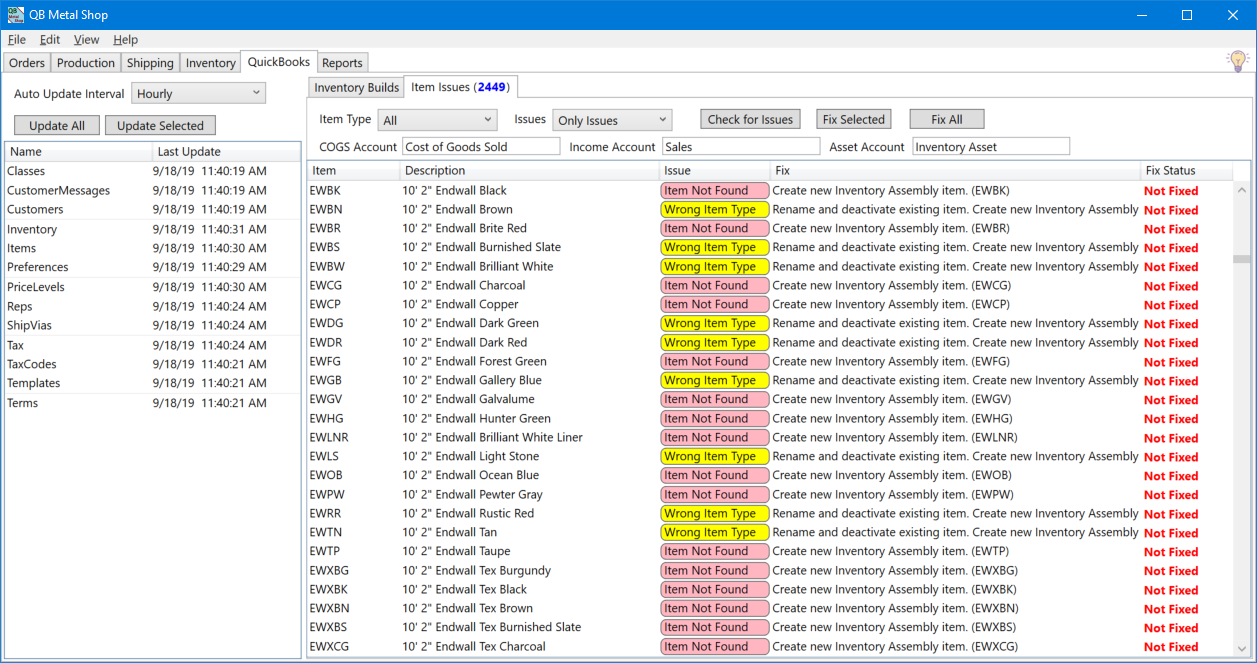
The QuickBooks tab is where communication with QuickBooks is viewed and managed.
In order for QBMS to communicate with QuickBooks there are two requirements.
1. On the server computer QuickBooks must be open and logged in. Otherwise you will see an error.
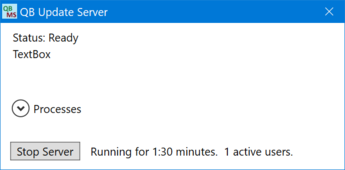
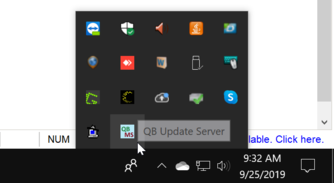
2. The QBMS Server program needs to be running on the server. Clicking the X to close the window minimizes it to the system tray, where it continues to run in the background. To stop the QBMS Server you need to click the Stop Server button
Clicking the QBMS icon in the tray will reopen the window.
If the QBMS Server is not running an error will be displayed to all users.