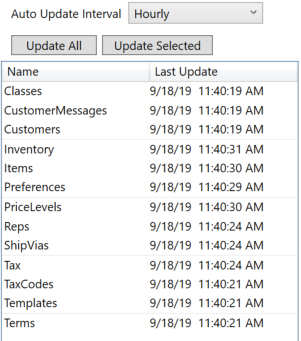
This list show all the information that can be retrieved from QuickBooks.
Select the items you wish to update and press the 'Update Selected' button. Press 'Update All' if you wish to update all the information.
The Last Update column will change to show you when the information has been retrieved.
If there are issues retrieving the information an error icon will be displayed. Holding your mouse over the error icon will display information about the error.
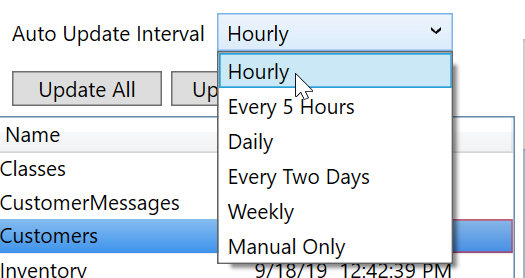
This info can be retrieved automatically be setting the update interval.