Trim profiles can be saved for future use.
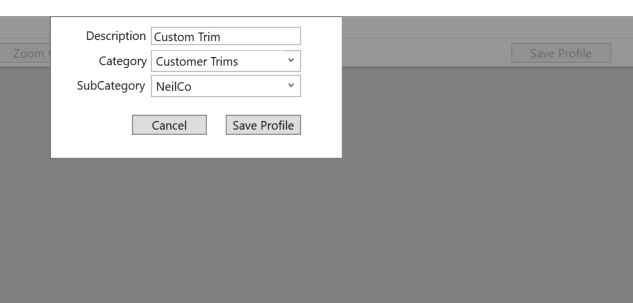
To save a new profile first draw the trim as desired. Then press the Save Profile button.
Enter the description and category for the new profile. To add a new category or sub category simply type the name into the list.