Selecting a Saved Profile
You can select a profile to use or modify preventing the need to redrawing it each time.
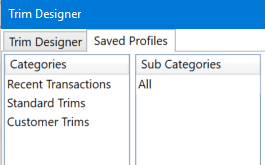
Profiles can be selected from the 'Saved Profiles' tab.
Categories
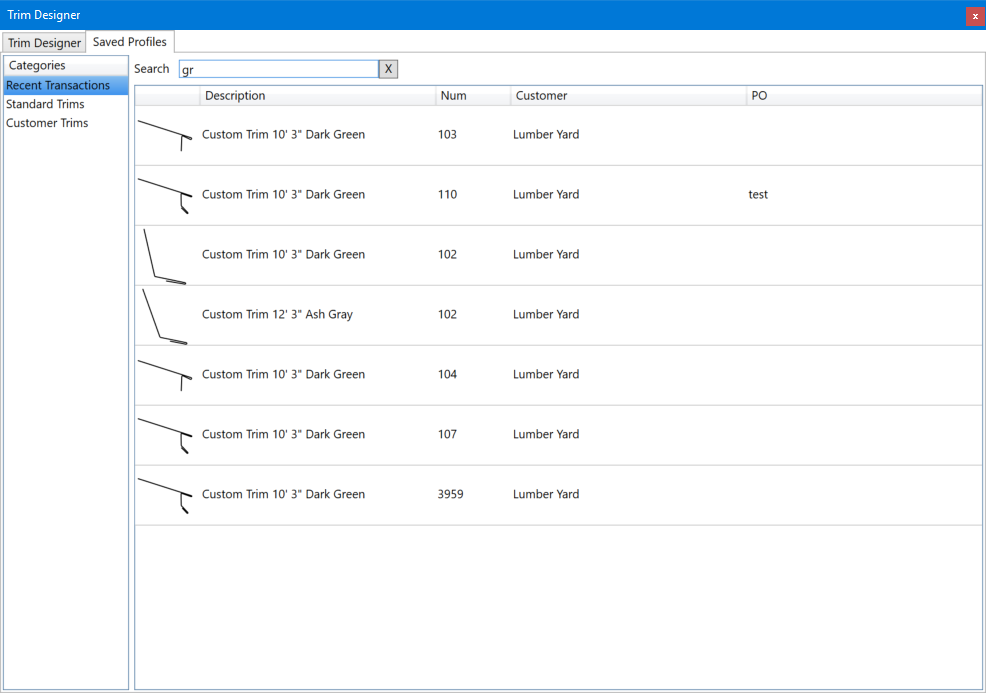
Recent transactions shows custom trims saved on recent transactions. These can be searched by any of the displayed fields.
Standard trims shows all standard trim profiles as setup in
Trim Setup.
For user defined categories the list can be filtered further by selecting the sub-categories desired.
Editing saved profiles
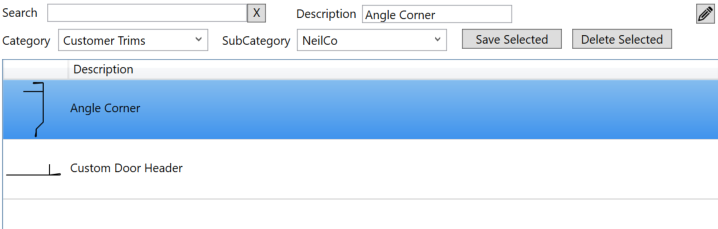
Saved profiles can be edited by clicking the edit button.

Select the profiles you wish the edit. You can delete them by pressing the delete button. Or change the name or categories and save the changes.