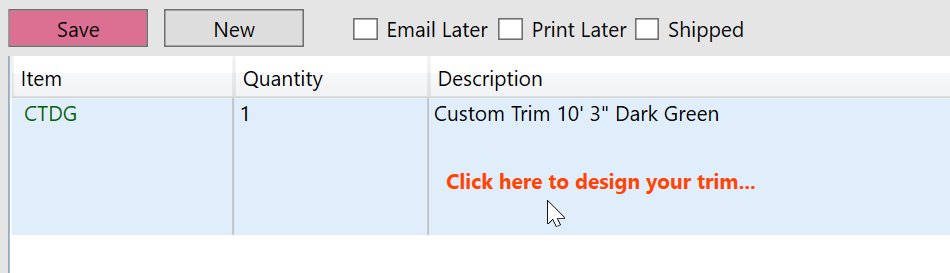
1. Enter a custom trim item and tab to the description field or click in the preview area below the description.
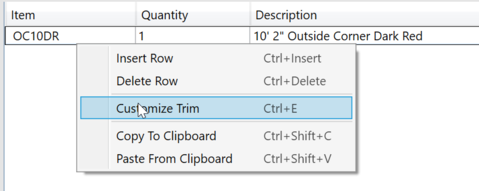
2. Enter a standard trim and select 'Customize Trim' from the menu. (Ctrl+E) This will create a custom trim using the standard trim as a starting point.
This will open the trim designer window allowing you to design or edit your trim.