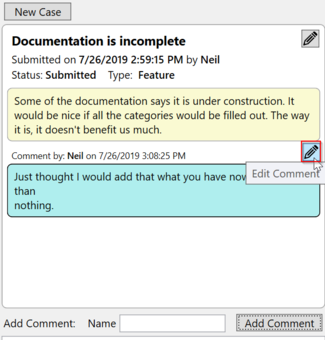
Feed back allows you to report bugs or make requests for new features.
You can open the feedback window by pressing the feedback button.
Submit new feedback
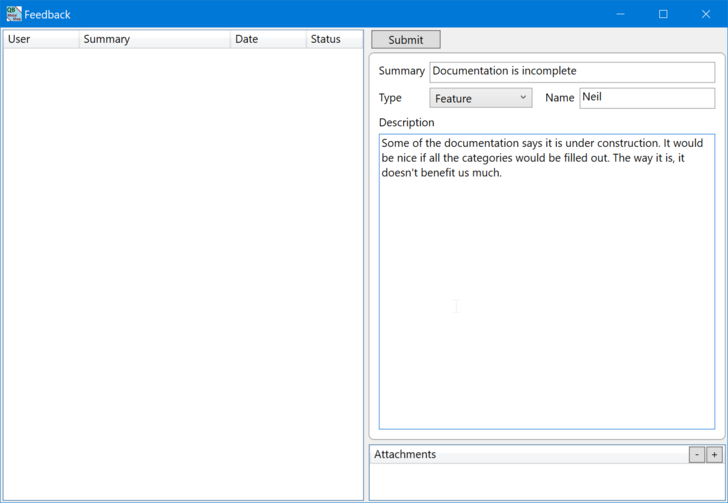
1. Summary: This is a short description like a title. Try to make this short and descriptive.
2.Type: Select the feedback type. A bug is a problem with the software such as an error or a crash. A feature request is when the program doesn't work the way you would like, or if you have a great idea to make your life easier.
3. Name: First name is fine unless there is someone else at your organization with the same name. This is useful when following up on requests in the future.
4. Description: Enter a detail description of what is happening. For a bug explain steps to reproduce the problem. For a feature explain in detail what you would like to see.
5. Attachments: If necessary add attachments to of screen shots or sketched to help show what you mean. You can add an attachment by dragging a file directly into the list or by clicking the plus button and browsing to the file. Attachments can be up to 10MB.
6. Click Submit to submit the feedback to support.
Edit your feedback
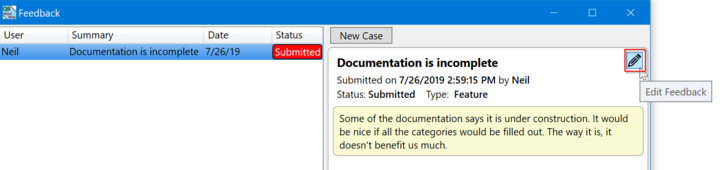
1. Click the edit button at the top of your feedback.
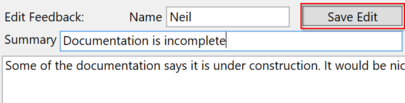
2. When you are finished press the Save Edit button.
Add a Comment
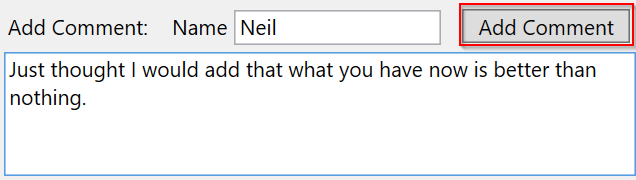
1. Enter your name and comment
2. Press the Add Comment button
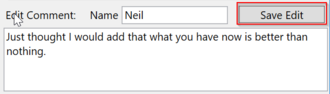
Edit a Comment
1. Press the Edit button
2. Press Save Edit when you are finished with your edit